Complete ZWCAD Course
SGD 0.10
View product
Udemy
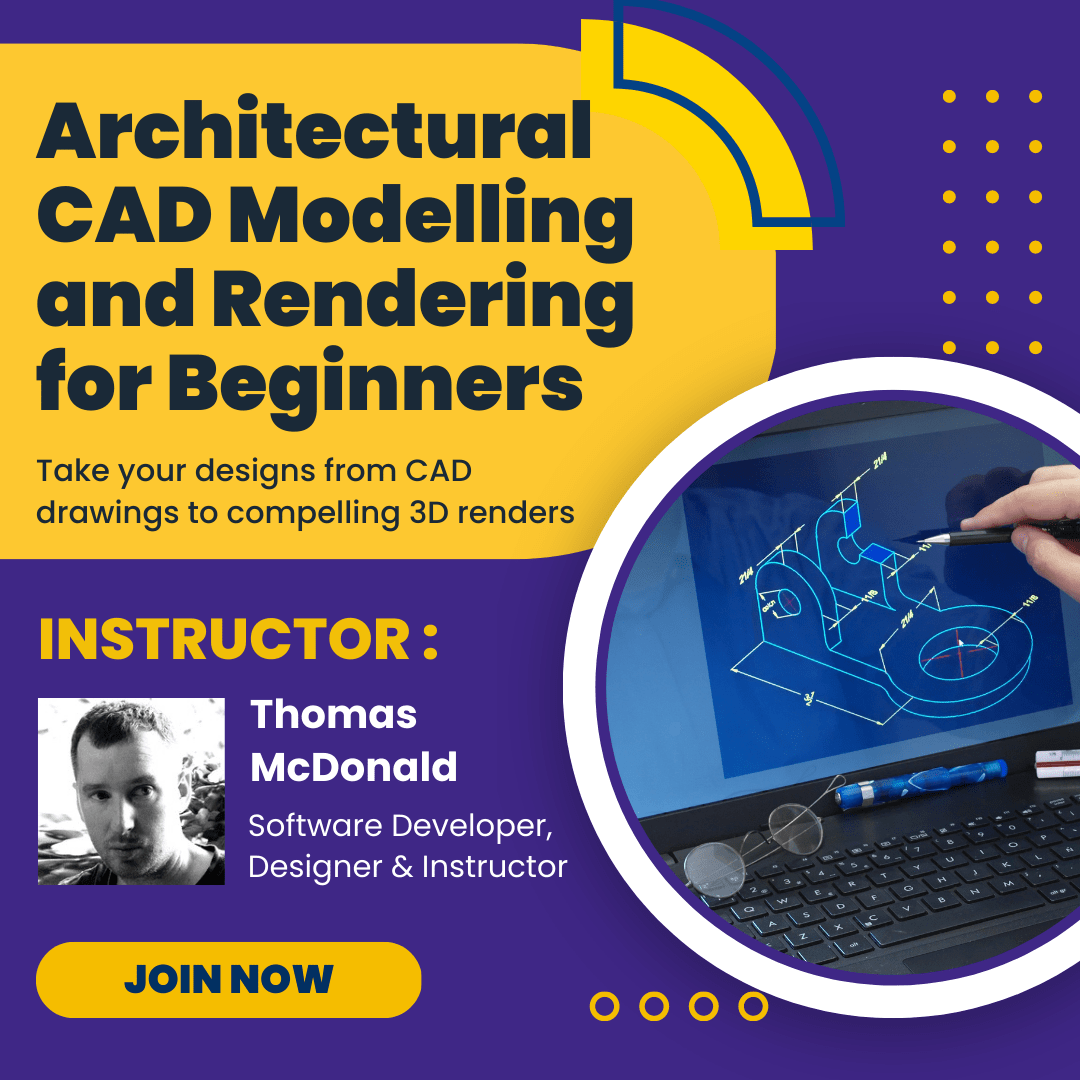
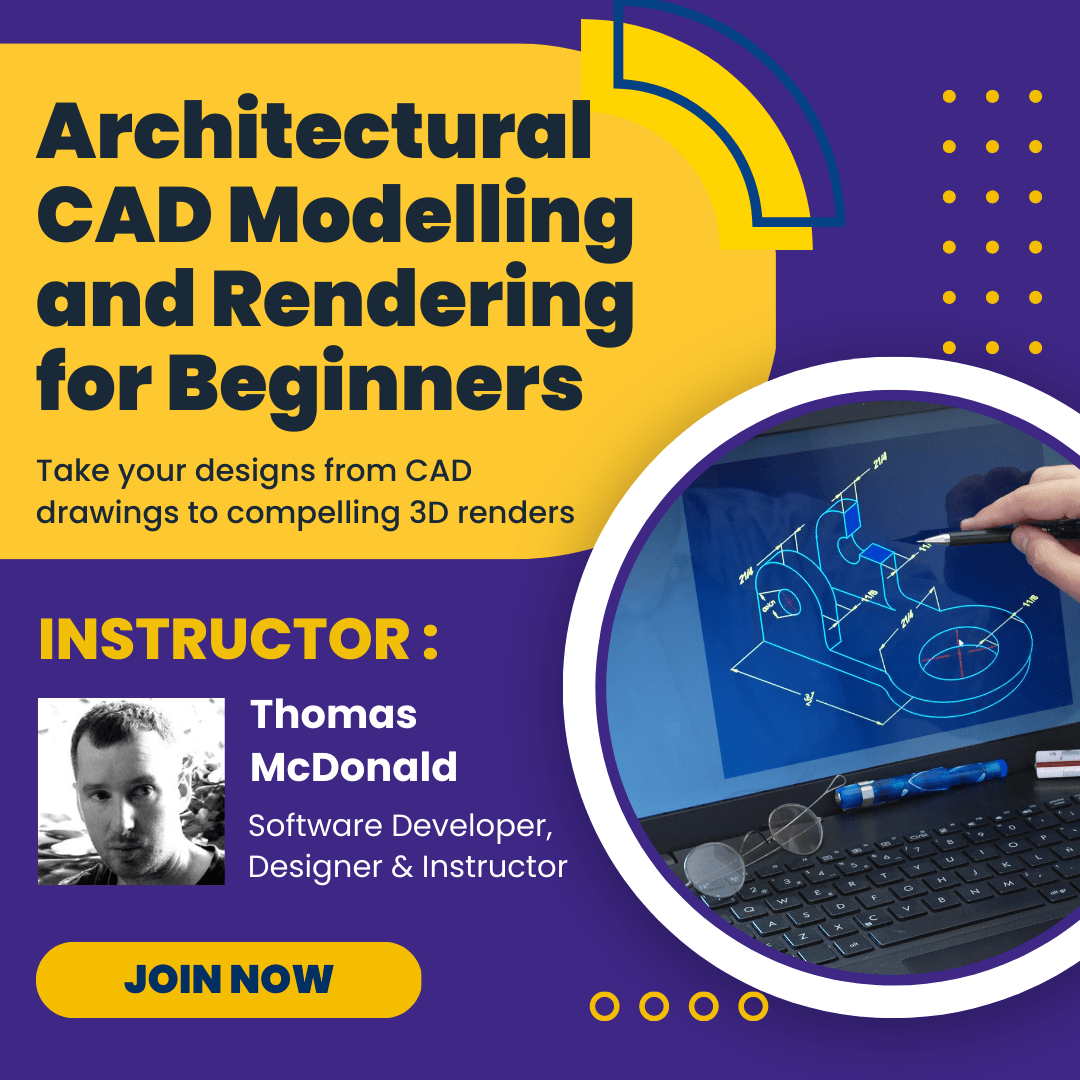
Welcome to Architectural CAD Modelling and Rendering – the complete CAD design course, the only course you’ll need to create 3D CAD models in the free and open source software FreeCAD and render in blender.This hugely popular course is highly rated and has
SGD 0.10
Continue to purchaseCondition: New
Authentic product
Warranty: 30-Day Money-Back Guarantee
30-day return window
Welcome to Architectural CAD Modelling and Rendering – the complete CAD design course, the only course you’ll need to create 3D CAD models in the free and open source software FreeCAD and render in blender.
This hugely popular course is highly rated and has had great success teaching students on Udemy!
Packed with over 6 hours of video training the course introduces beginners to 3D CAD modelling in FreeCAD and using Blender render engine to create photo realistic images. Even if you have no 3D experience, this course will have you designing in CAD software quickly.
Here’s how:
The course is taught by a top instructor with almost 100,000 students.
The course content is kept up to date teaching you the very latest tools and techniques
CAD software doesn’t need to be hard to master. This course is designed to make FreeCAD & Blender easy to master.
No previous 3D experience required, learn the very basic tools right through to the more advanced
Save yourself time & money by learning the shortcuts and smart workflows to accelerate your design projects.
Learn how to achieve accuracy when designing and 3D modelling
Get professional results fast and efficiently by learning the right tools and workflows
This course takes you step – by – step through engaging video tutorials and teaches you how to successfully 3D model & Render in the free and open source software FreeCAD & Blender
Some of the topics covered during the course include:
CAD Modelling in FreeCAD
OBJ file clean up in Blender
UV Mapping in Blender
Creating PBR materials
Importing Map data for visualization
Setting up Cameras
Rendering Images
Even more topics covered during the course include:
File import/export
Draft wire tool
Arch walls
Creating Arch objects
Object Subtraction
Exporting OBJ files
GIS
Sun position
Stored Views
Instances
So what are you waiting for.
Click the buy now button and turn your designs into fully realised 3D models using CAD software

Software Developer, Designer & Instructor