Complete ZWCAD Course
SGD 0.10
View product
udemy
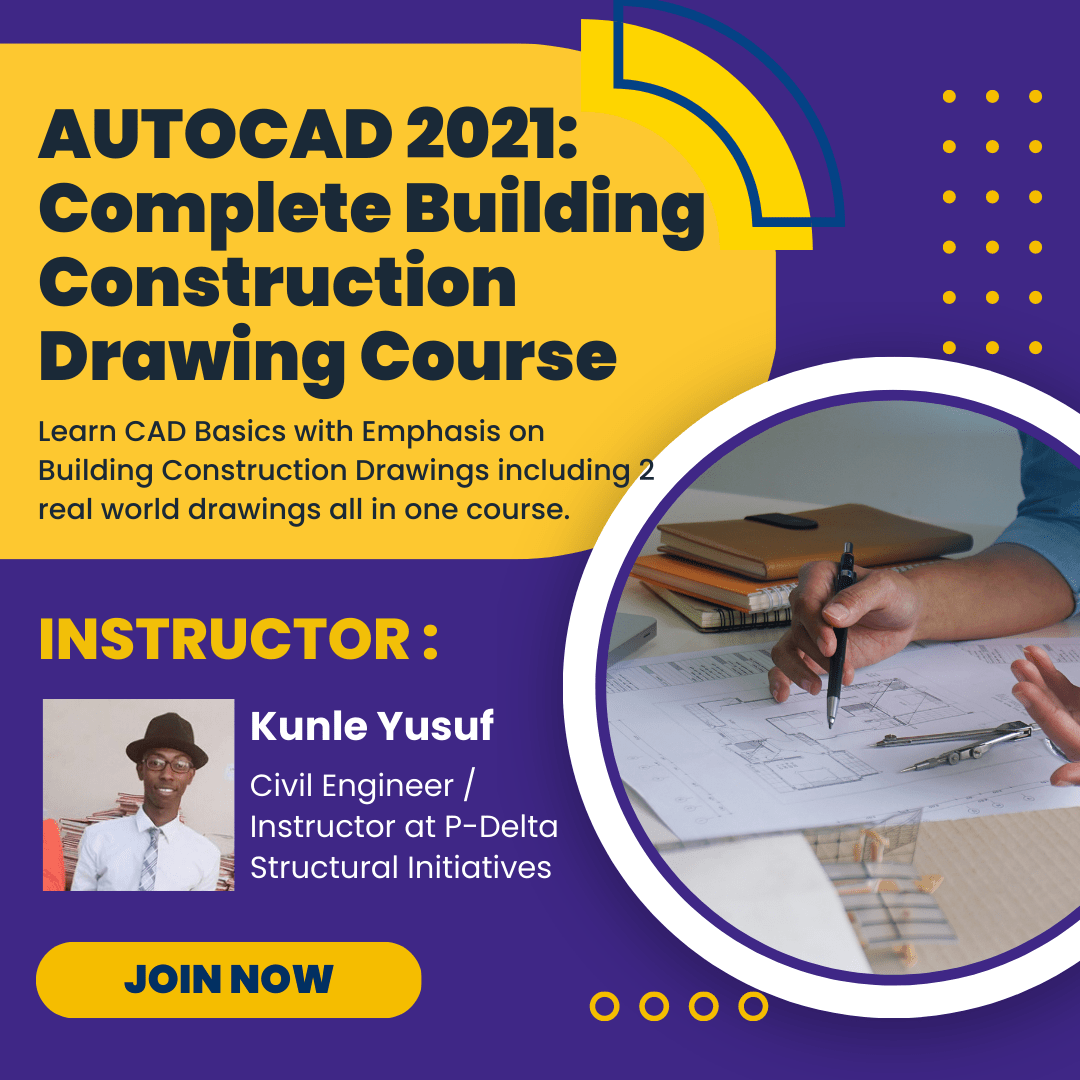
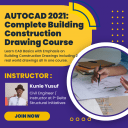
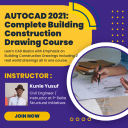
THE PROBLEM Often times than not, A lot of beginners have always wanted to learn AutoCAD someway somehow, A lot of people can also use the basic skills of AUTOCAD but can't apply it to real world drawings. The use of AutoCAD is not restricted to d
SGD 0.10
Continue to purchaseCondition: New
Authentic product
Warranty: 30-Day Money-Back Guarantee
30-day return window
THE PROBLEM
Often times than not, A lot of beginners have always wanted to learn AutoCAD someway somehow, A lot of people can also use the basic skills of AUTOCAD but can't apply it to real world drawings.
THE SOLUTION
The main aim of learning AutoCAD is in its application and as beginners to this course you will not only be able to use the basic tools of AutoCAD comfortably, also you will be able to prepare full construction drawings for clients and even make money from it.
THE SKILLS
1. Drawing of FLOOR PLANS
In this section you will learn how to draw basic and complex floor plans, you will also be able to dimension it thoroughly, also we will add various blocks like furniture's, gadgets, toilet fittings, cars into the drawing to make it more detailed. We will go through floor plans for a bungalow building and that of a storey building with two floors.
2. Drawing of ROOF PLANS
After completing the floor plans we will move to the roof plan and in this section we will learn how to generate both a basic roof plan and a complex one. This is an exciting section for all.
3. Drawing of ELEVATIONS
In this section, we will generate the elevations of each building we are working on making i.e. four in total per drawing. we will learn how to draw the elevations of roofs using the wooden fascia board style and the modern concrete fascia style, we will also beatify our elevations.
4. Drawing of SECTIONS
We will learn how to section the buildings along the x and y directions including the roof. This will then lead us to components of a roof truss of which a lecture has been dedicated too. This will also cover how we can section our staircases and foundations.
5. Drawing and Planning of STAIRCASE
As a designer, it is up to you to plan each and every aspect of a building including the staircase and that is where this section comes in handy. you will be exposed to the various components of a staircase and how they interact with all other building components. This is a very handy tool for everyone. So if you have always being intimidated by staircases this section will help kill you fear.
6. Plotting of SURVEY PLANS
Usually before any construction the land to build upon must be available and the land surveyors will go to the site to see the extent of the land that is available for use. This is usually shown on a survey plan or a lot plan. This piece of document is what is handed over to the designer (architect or engineer) as the case maybe and it is your duty to come up with a building that will suit the available land space. We will learn how to plot this piece of drawing in AUTOCAD and in turn use it to develop our site plan/landscaping
7. PRINTING
A usual neglect of most random tutorials online, this is the final section where we are going to learn how we can put all our drawings together in sheets and title block and go for printing. I urge you on getting to this section to endeavor to print your work on paper because some errors are better visualized on paper than on the screen.
***WHAT YOU GET***
A Full section dedicated to all beginners starting from an introduction to the UI of AUTOCAD
Comprehensive 118 Video Lectures (15hrs in Total)
Access to all drawing files and blocks for students use
Quizzes and lots more
Active Q&A support
All the knowledge to draw for people and make money or take up jobs as a Designer
Access to future updates
Work on real life drawings that will make your own projects easier
Remember
TO BE MORE IS TO KNOW MORE, AND TO KNOW MORE IS TO DRAW MORE
Why wait? Every day is a missed opportunity.
Click the “Take this course” button and become a part of this comprehensive training.

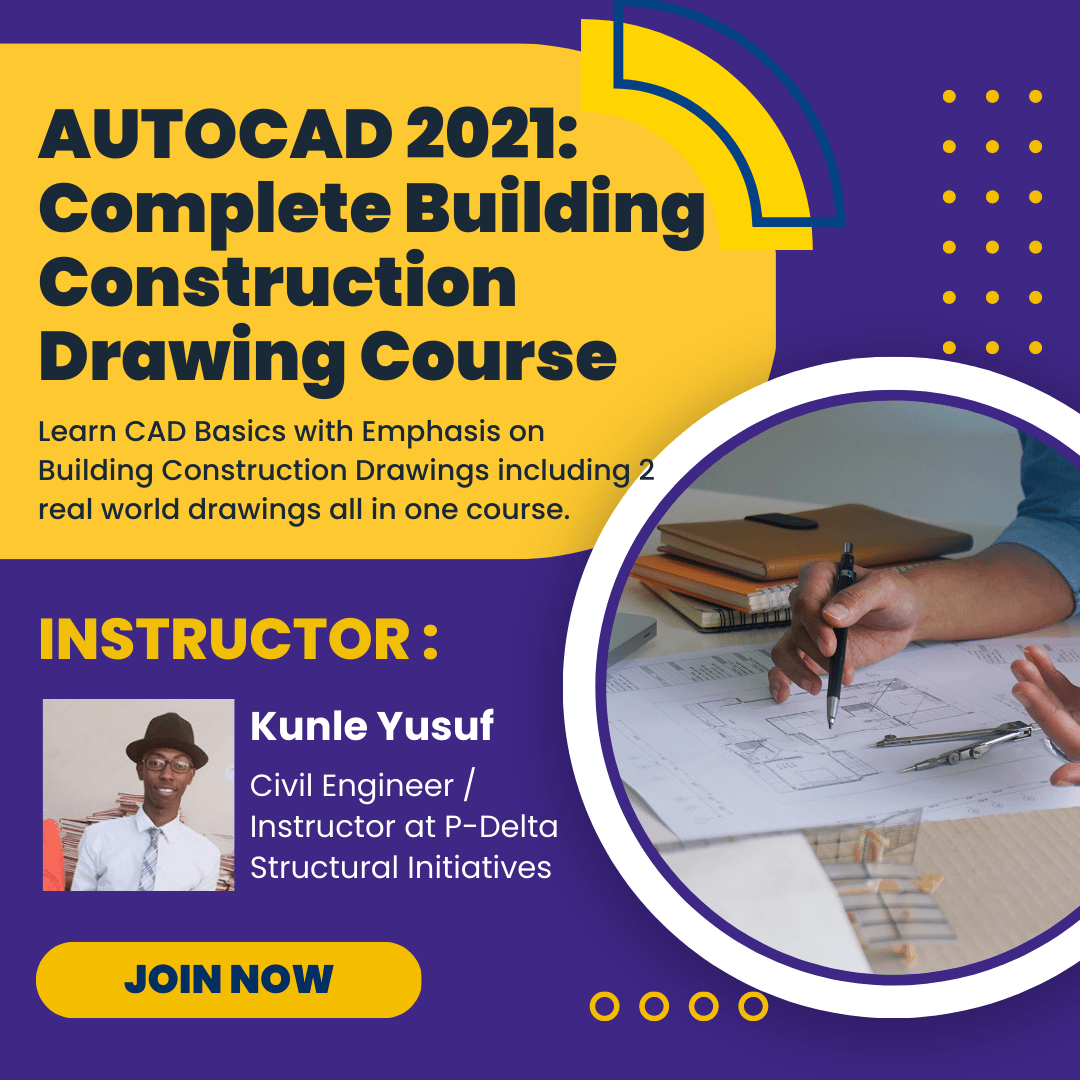
Civil Engineer/Instructor at P-Delta Structural Initiatives