
Description
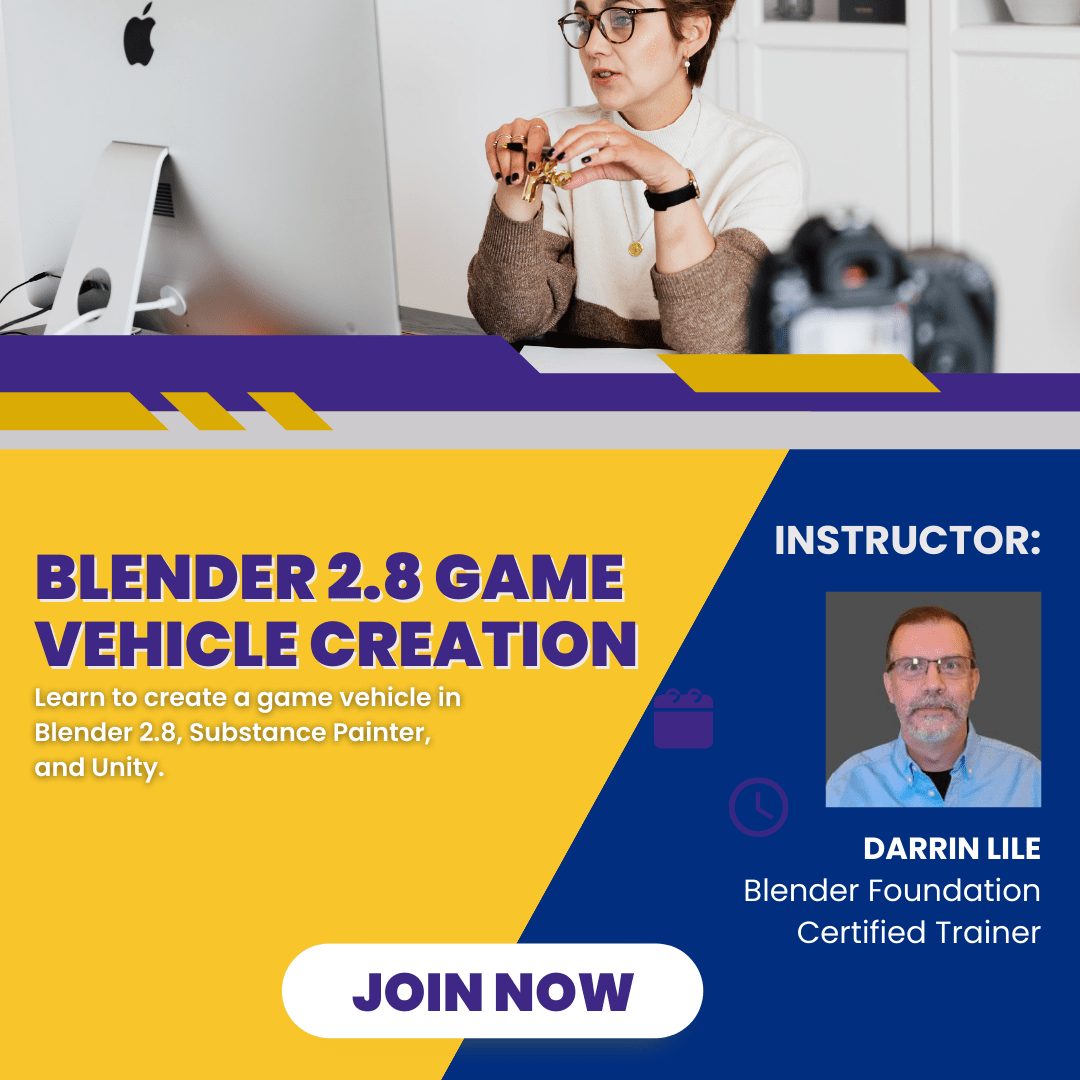
Welcome to Blender 2.8 Game Vehicle Creation! In this course you will learn how to create a game vehicle, from the first polygon to the final configuration of the user controls in the game engine. You will learn:
Blender 2.8 Modeling Tools and Modifiers
UV Mapping a Complex 3D Model in Blender 2.8
Creating a Color ID Map
Exporting FBX files from Blender
Texturing in Substance Painter
Baking a Normal Map in Substance Painter
Configuring a Vehicle in Unity
We will begin by modeling an Oshkosh-M All-Terrain Vehicle. We’ll go over the modeling tools and techniques that you’ll need to create a low-poly vehicle in Blender 2.8. We will UV map all the parts of the vehicle, and you’ll learn how to combine all the pieces into an efficient, unified UV map.
From here we will export the model out of Blender and into Substance Painter. We will build the textures for each part of the vehicle, and then export the texture maps out, ready to take into Unity. Finally, we will bring in the models and textures into Unity, set-up the materials, and configure the vehicle controls.
If you’re interested in creating and setting up game vehicles, and are looking for a comprehensive course to take you through every step of the process, then join me for Blender 2.8 Game Vehicle Creation.
Take this course
💡
Who this course is for:
- Anyone who would like to learn how to model, texture, and configure a game vehicle in Blender 2.8, Substance Painter, and Unity.
What you'll learn
- Blender 2.8 Modeling Tools and Modifiers
- UV Mapping a Complex 3D Model in Blender 2.8
- Creating a Color ID Map in Blender 2.8
- Exporting FBX files from Blender
- Texturing in Substance Painter
- Baking a Normal Map in Substance Painter
- Configuring a Vehicle in Unity
Requirements
- This course uses Blender 2.8 and the Personal Edition of Unity, both of which are free. It also uses Substance Painter for texturing, which is a paid app.
Course content
- Introduction and Set-up
- Modeling the Front of the Vehicle
- Creating the Cab and Doors
- Modeling the Back of the Vehicle
- Creating the Gun Turret
- Adding a Few Details to the Cab
- (Many more)
Instructor

Darrin Lile
Blender Foundation Certified Trainer