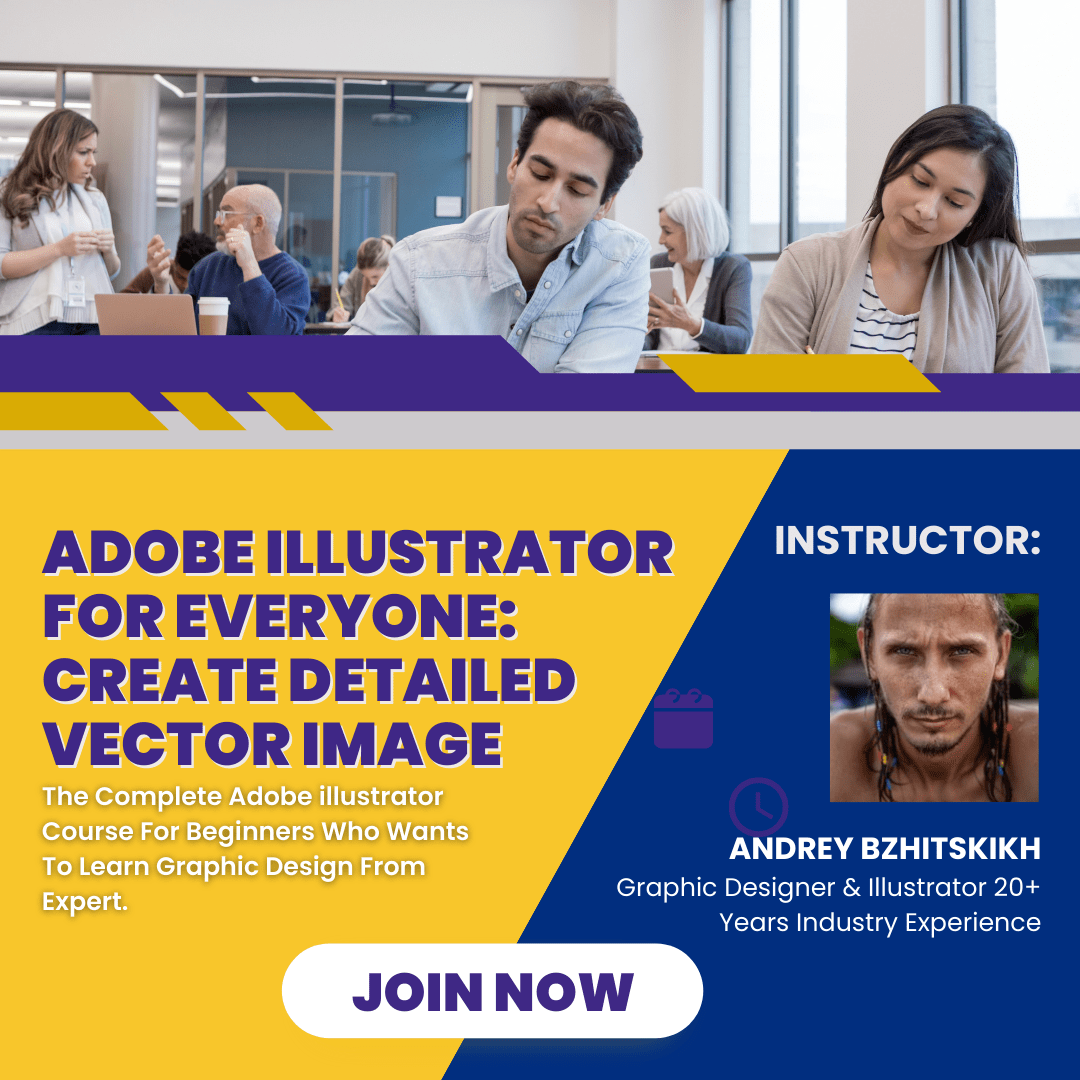
Adobe Illustrator For Everyone: Create Detailed Vector Image

This is simple step-by-step course about Graphic Design & illustration in Adobe Illustrator.This course consists of two parts:Together we will create a new and unique vehicle with gears, pipes, steam and leather seats!Step by step, I will show how to:Here

SGD 0.10

Images

Description

This is simple step-by-step course about Graphic Design & illustration in Adobe Illustrator.
This course consists of two parts:

  • In the first part we learn how to draw a sketch of Vehicle and then create vector outlines with fill.
  • The second part will be dedicated to coloring and adding shadows and light

Together we will create a new and unique vehicle with gears, pipes, steam and leather seats!

Step by step, I will show how to:

  • create a sketch
  • how to transfer it to a vector graphic
  • and then how to add colors, shadows and effects with an eye to your vehicle looked magnificently!

Here are the main topics that will be covered in the class:

  • Drawing a sketch
  • Prepare Adobe Illustrator Workspace
  • From Sketch to Vector Illustration - Outline
  • Work with brushes
  • Contour correction
  • Fill method using the Pathfinder panel
  • Choose colors
  • Where to look for interesting combinations of colors
  • Add shadows
  • Add lights
  • Add finish touches

What you’ll need for class project:

  • Software or notepad with pencil for sketch drawing
  • Illustrator CC (Free trial) or other vector graphic software.
  • Tablet or mouse

This class is perfect for practiced illustrators, emerging designers, and everyone looking to improve their Adobe Illustrator skills.

Join and create your own Steampunk Vehicle! :)

I cannot wait to see what you can create!

Take this course

💡

Who this course is for:

  • Practiced illustrators
  • Emerging designers
  • Everyone looking to improve their Adobe Illustrator skills

What you'll learn

  • Drawing a sketch
  • Prepare Adobe Illustrator Workspace
  • From Sketch to Vector Illustration - OutlineWork with brushes
  • Contour correction
  • Fill method using the Pathfinder panel
  • Adding color
  • Adding Shadows and Lights
  • Adding Some Details

Requirements

  • Software or notepad with pencil for sketch drawing
  • Illustrator CC (Free Trial) or other vector graphic software
  • Tablet or mouse

Course content

  • Drawing a Sketch 
  • Work in Adobe Ilustrator
  • Conclusion
  • (Many more)

Instructor

Andrey Bzhitskikh

Andrey Bzhitskikh

Graphic Designer & Illustrator 20+ Years Industry Experience
Related Products

Adobe Illustrator For Everyone: Create Detailed Vector Image

SGD 0.10

View Now

Blender 2.8 Game Vehicle Creation

SGD 0.10

View Now

Low-Poly Vehicle Design in Blender for Unity Game Developers

SGD 0.10

View Now

Race Car Vehicle Dynamics - Advanced Theory and Application

SGD 0.10

View Now

Maya 3D Masterclass - Modeling a 3D Sci-Fi Vehicle in Maya

SGD 0.10

View Now

ROS Autonomous Driving and Path Planning SLAM with TurtleBot

SGD 0.10

View Now

Blender: Create and rig realistic Batmobile from A to Z

SGD 0.10

View Now

Complete ZWCAD Course

SGD 0.10

View Now